Questions and answers
Search, or browse by topic.
For players
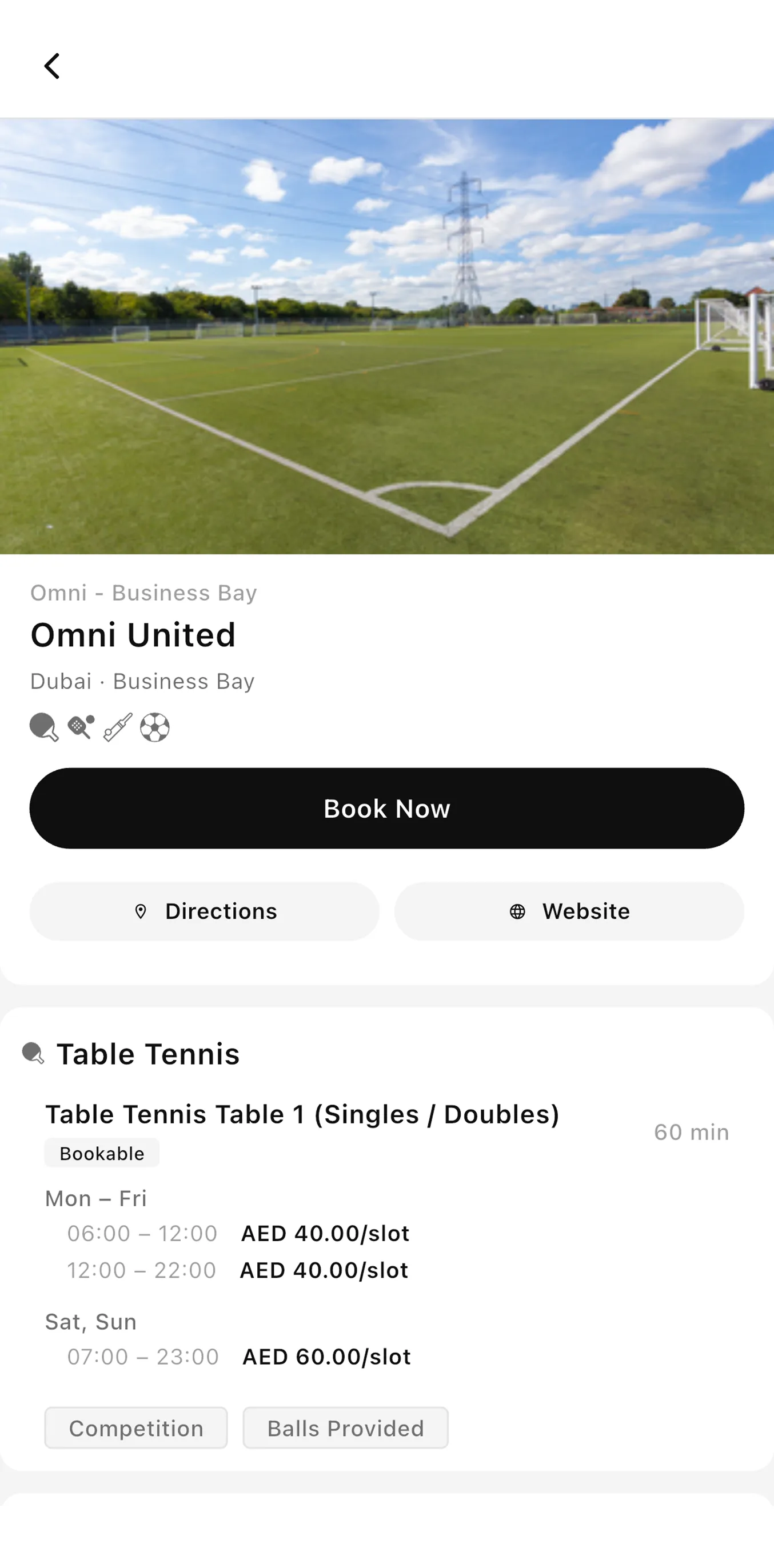
How do I book a court on Sportra?
Booking takes a few taps:
- Open Sportra and search for a venue near you, or browse by sport.
- Pick a court and a time that suits you.
- Confirm and pay your share. The slot is held the moment payment clears.
You will get a confirmation in the app, and the booking appears under My matches.
What is an open match?
An open match is a game you create that other players can join. You pick the sport, the venue and the time, then decide who can see it:
- Invite only: just the people you send it to.
- Open: anyone on Sportra can request a spot.
Every player joins, pays and confirms for themselves, so one person is not left carrying the booking for everyone else.
For venues
How do I list my venue on Sportra?
Send us an enquiry through the venues page with your courts, sports and city. We will set your facilities, hours and pricing up with you, then hand over the manager portal.
There is no self-serve signup yet, because getting your pricing and availability right the first time saves a lot of back and forth later.
What does Sportra cost a venue?
You keep the price you list. Sportra charges the player a booking fee rather than taking a cut from your side, so what you set is what you are paid.
Payouts are sent weekly to your registered account.
Payments
Who pays for the booking?
Each player pays their own share when they join. Nobody has to front the whole amount and chase people afterwards.
If a match does not fill and gets cancelled, everyone who paid is refunded in full to their Sportra wallet.
Your account
How do I delete my account?
Open Settings, then Account, then Delete account. We remove your profile and personal details.
Bookings and payment records are kept for as long as tax and accounting rules require, then deleted.
No questions match that search.